Landing page in.
Launch video out.
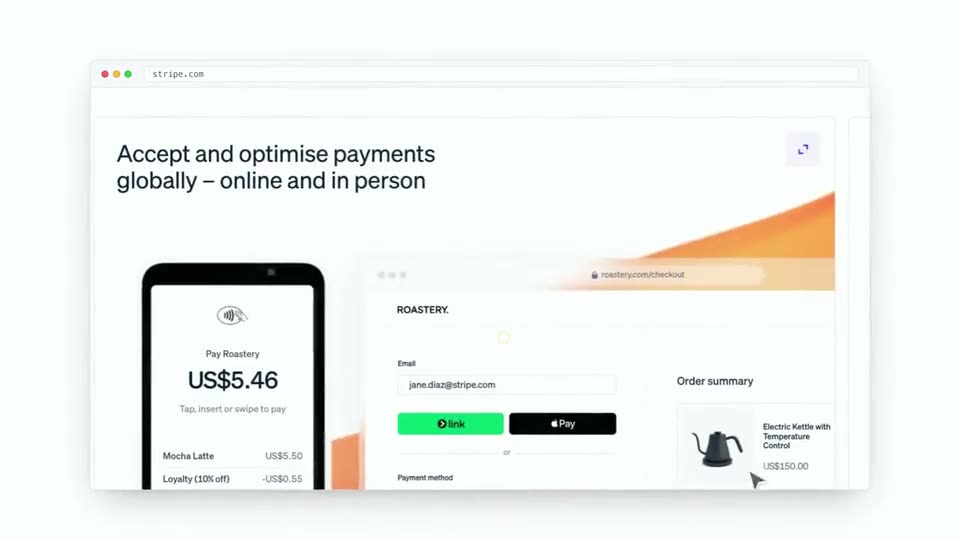
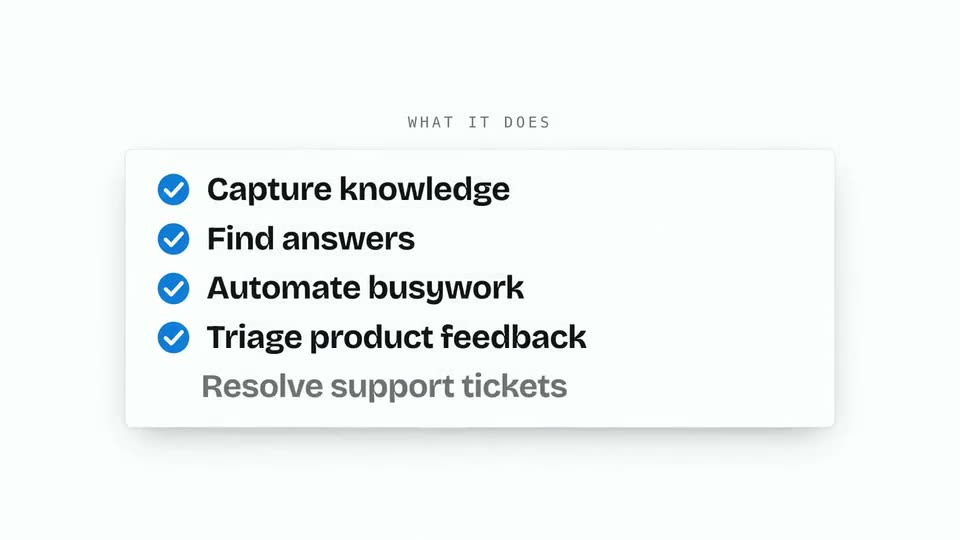
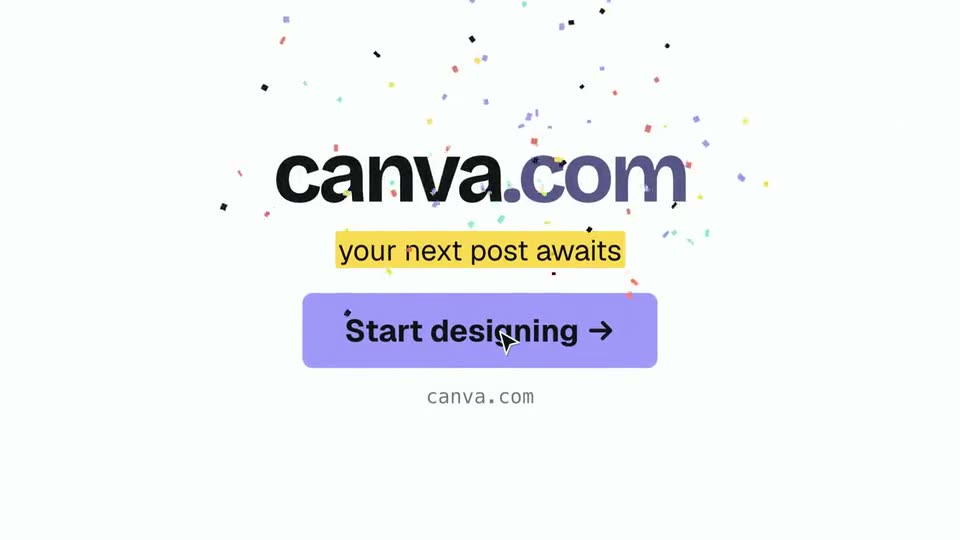
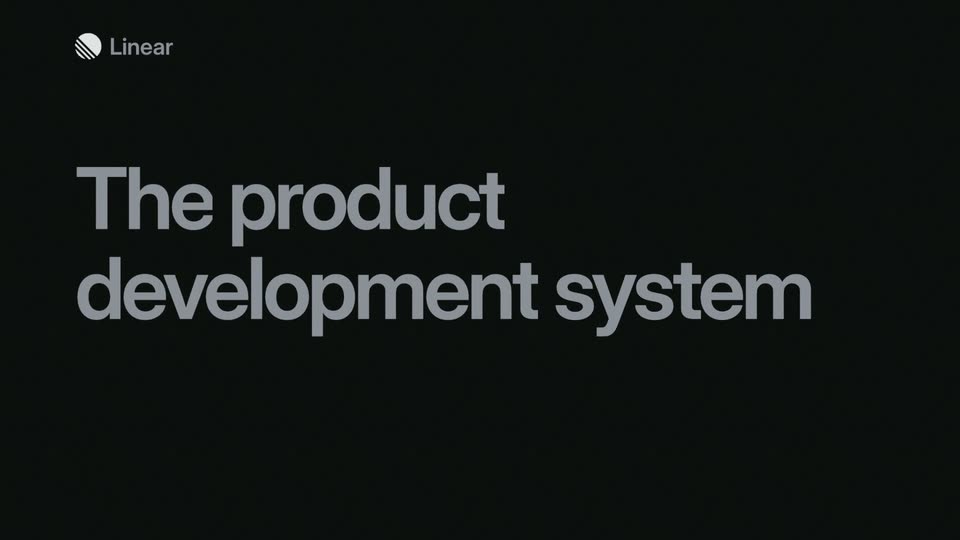
Made from canva.com, no edits
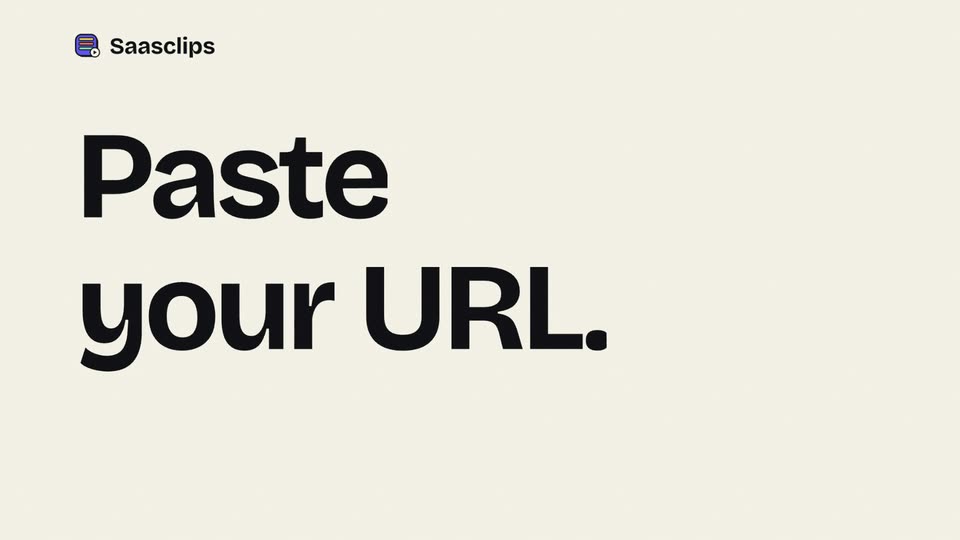
Paste your URL. saasclips reads your page and cuts a 16:9 launch video for your X post from it.
So far, counted live from every render and refreshed hourly.
- launch videos made
- 78
- founders signed up
- 69
You paste a URL. saasclips reads your page, cuts its headline into a hook, shows your real product and features, and ends on your own button. One 16:9 video, ready for your launch post.
From URL to MP4
01
Paste your URL
We read your live page the way a visitor sees it: headline, product shots, features, fonts and colors.
02
Check the copy
Change any headline, feature, price or button text, or keep what we picked. Beats your page can't fill are skipped, never made up.
03
Download the MP4
Watch a free watermarked preview first. Pay $10.99 once for the clean 1920 × 1080 file, plus a copy with sound.
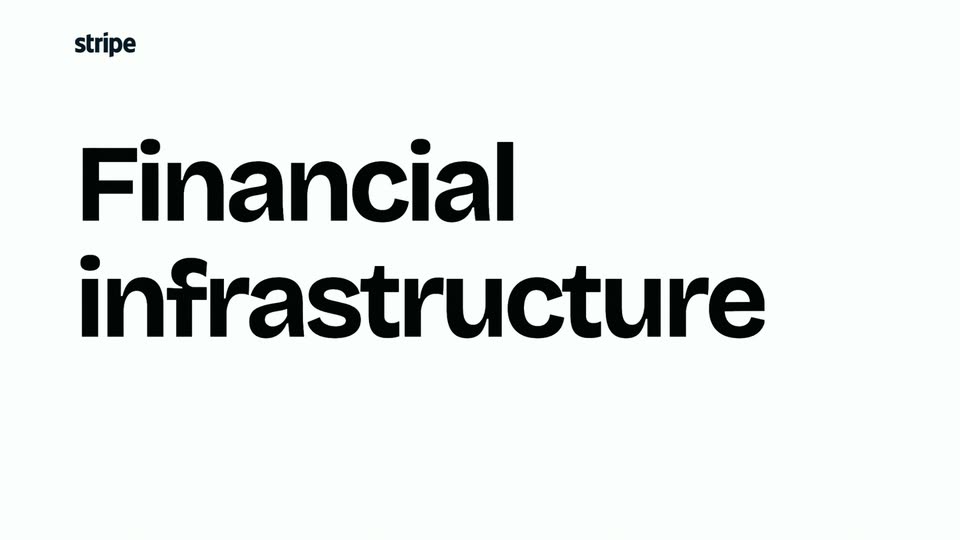
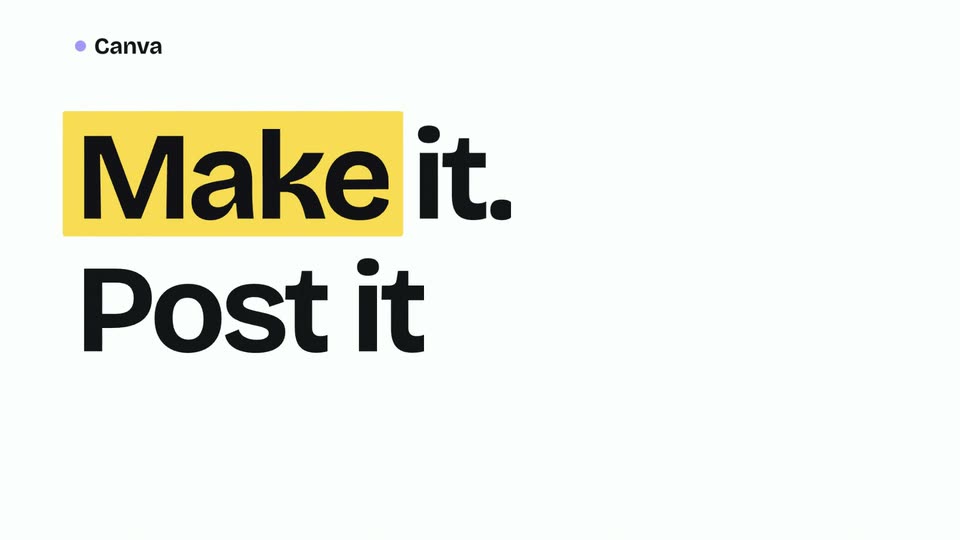
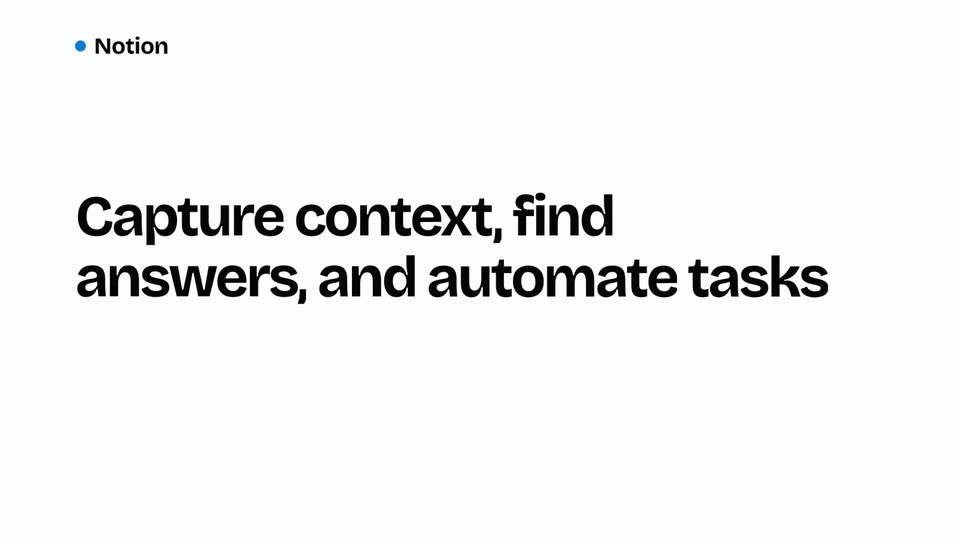
Made from real pages
Each one rendered from the live site, with no edits.

Pay once per launch
Every render starts with a free watermarked preview. Pay when you want the clean file. No subscription.
One launch
$10.99
One landing page, paid once. No subscription.
- The clean 1920 × 1080 MP4 for X
- The same video with sound
- Unlimited re-renders with new copy
- A free watermarked preview before you pay
Three launches
$24
Three landing pages, $8 each. Credits don't expire.
- Everything in one launch, three times
- For founders shipping more than one product
Questions
Anything else? DM @saasclip on X and a person answers.
What URLs work best?
Any public SaaS landing page with a clear headline and a screenshot or product image. We read the page the way a visitor sees it, so what's on your page is what ends up in the video.
What if my page has no price or testimonials?
Those slots stay empty and the video skips them. We never invent a price, a stat or a quote. Add one on the Story step if you want it in.
Can I see the video before I pay?
Yes. Every render gives you a free watermarked preview. You pay only when you want the clean download.
What size is the video?
One size: a 1920×1080 widescreen MP4, about 15 to 25 seconds, made for the X timeline. It also plays well on LinkedIn.
Is there sound?
The main cut is silent, so it autoplays clean in a muted feed. Unlocked launches also get the same video with sound design: whooshes, clicks and a light beat timed to the cuts.
Can I change the copy and render again?
Yes. Edit the headline, features, CTA or price and render again. Once a landing page is unlocked, re-renders are free and unlimited. There's no timeline editor: you always get a finished MP4.
Does it work for non-SaaS landing pages?
Any site with a clear headline, a hero image and a few feature blocks will render. It's tuned for SaaS but works for most product landing pages.
How is saasclips different from Veed, Opus Clip, or Submagic?
Those are editors. They assume you already have footage. saasclips starts with a URL and gives you a finished product video. No timeline, nothing to trim, no template to pick.
Do you store my landing page content?
Only what the render needs: your finished videos. Scraped pages and screenshots are cached for up to 12 hours, then deleted. Nothing is resold or used to train models.